



In daily life, it is extremely important for computers to have high performance. Here is Computer Acceleration in 6 Steps.
Uninstall Unnecessary Applications
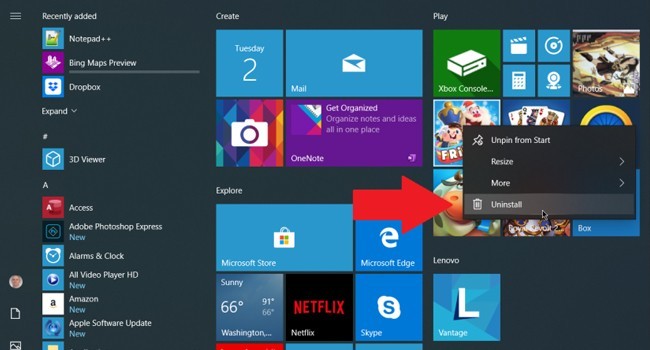
Cleaning unnecessary applications on the computer provides relief both on the graphics card and the disk. Click on the 'Control Panel' option from the 'Start' menu and select the 'Add and remove programs' tab. All programs on the computer are managed from here. Unnecessary or unused applications can be deleted here.









Facebook Conversations
Disqus Conversations