



In daily life, it is extremely important for computers to have high performance. Here is Computer Acceleration in 6 Steps.
Configuring Initial Setting
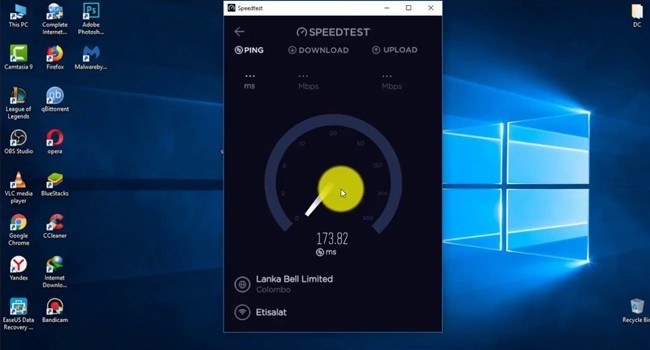
Some applications start automatically in the background when the computer is logged in. Some of these applications are important, but there are many applications that are not used in the session. These applications inevitably affect the speed of the computer. To configure the startup settings, right click on 'Taskbar' and 'Task Manager' opens. Applications that are active but not used here are closed.









Facebook Conversations
Disqus Conversations